
Extract places from YouTube videos and reuse them
Instead of pausing a travel video to write down every spot, share the YouTube link: the places mentioned are extracted, verified and waiting in your lists.
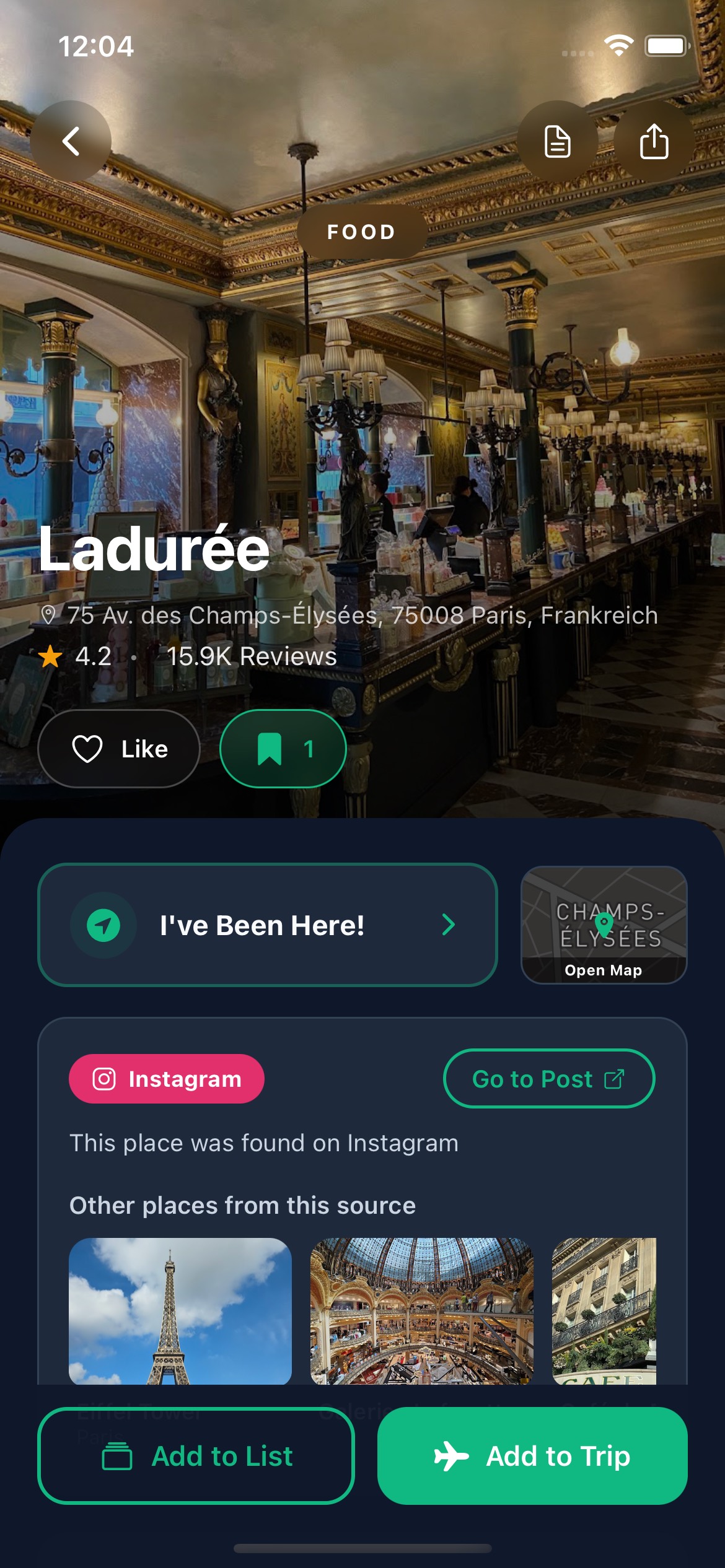
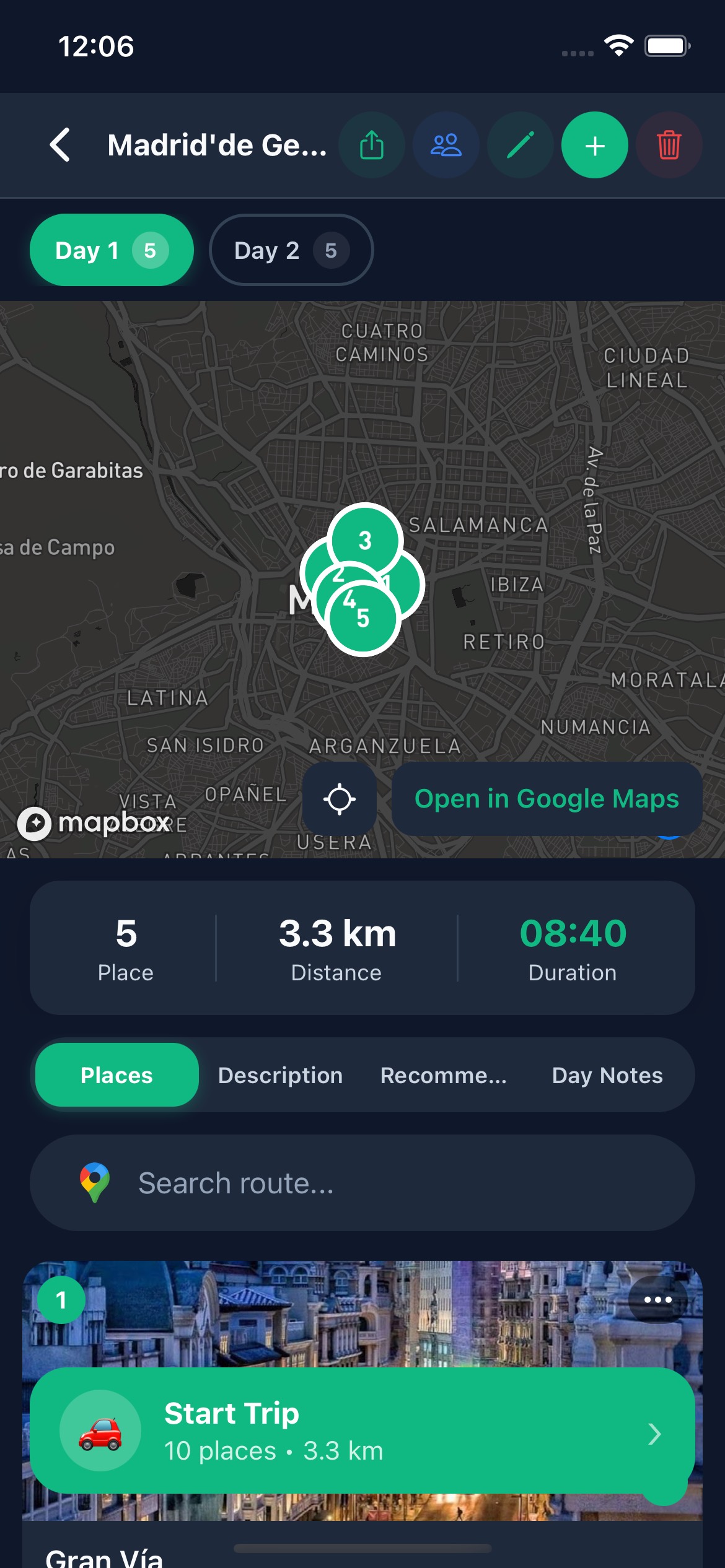
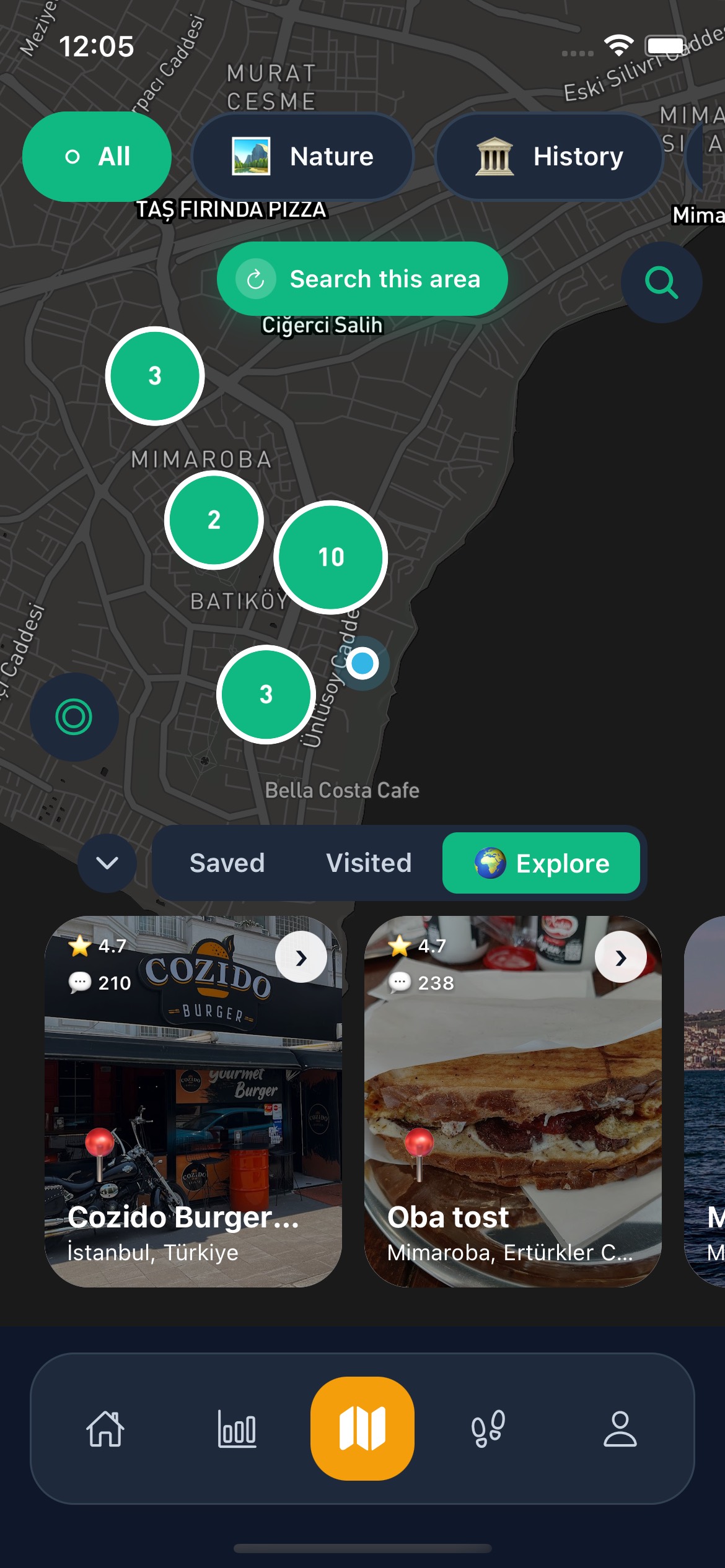
Extract Places from YouTube
Use Go There to save places from YouTube videos, organize them into lists, and turn them into AI-assisted trip plans.
Collect places
Capture places from Instagram, TikTok, YouTube, and Google Maps.
Generate with AI
Turn saved places into AI trip plans or AI-generated thematic lists.
Share and coordinate
Share trips, lists, and places with friends so planning stays collaborative.
Frequently asked questions about AI trip planning and place capture
Use Go There to save places from YouTube videos, organize them into lists, and turn them into AI-assisted trip plans.
Who is this YouTube workflow for?
It is especially useful for travelers who research destinations through long-form travel videos.
Can saved YouTube places live in one list?
Yes. Those places can be grouped into lists and later reused in trip planning.
Is Go There available on iOS and Android?
Yes. Official store references show the product on both the App Store and Google Play.
Which languages are supported?
Turkish, English, German, French, Spanish, and Arabic are supported.
Your trip plan is ready — just start
Grab inspiration from social, let AI shape the plan, and hit the road.
Related capabilities
DM us a Reel, Story or post you saw on Instagram. The place name is extracted from the caption and the video, verified against Google Maps, and lands on your map — without opening the app.
Share a TikTok link and the places mentioned in the audio and caption are extracted, verified against Google Maps, and added to your saved places.
A smarter list-building flow for turning saved places and ideas into organized collections you can actually use.