
Save places from Instagram and reuse them later
DM us a Reel, Story or post you saw on Instagram. The place name is extracted from the caption and the video, verified against Google Maps, and lands on your map — without opening the app.
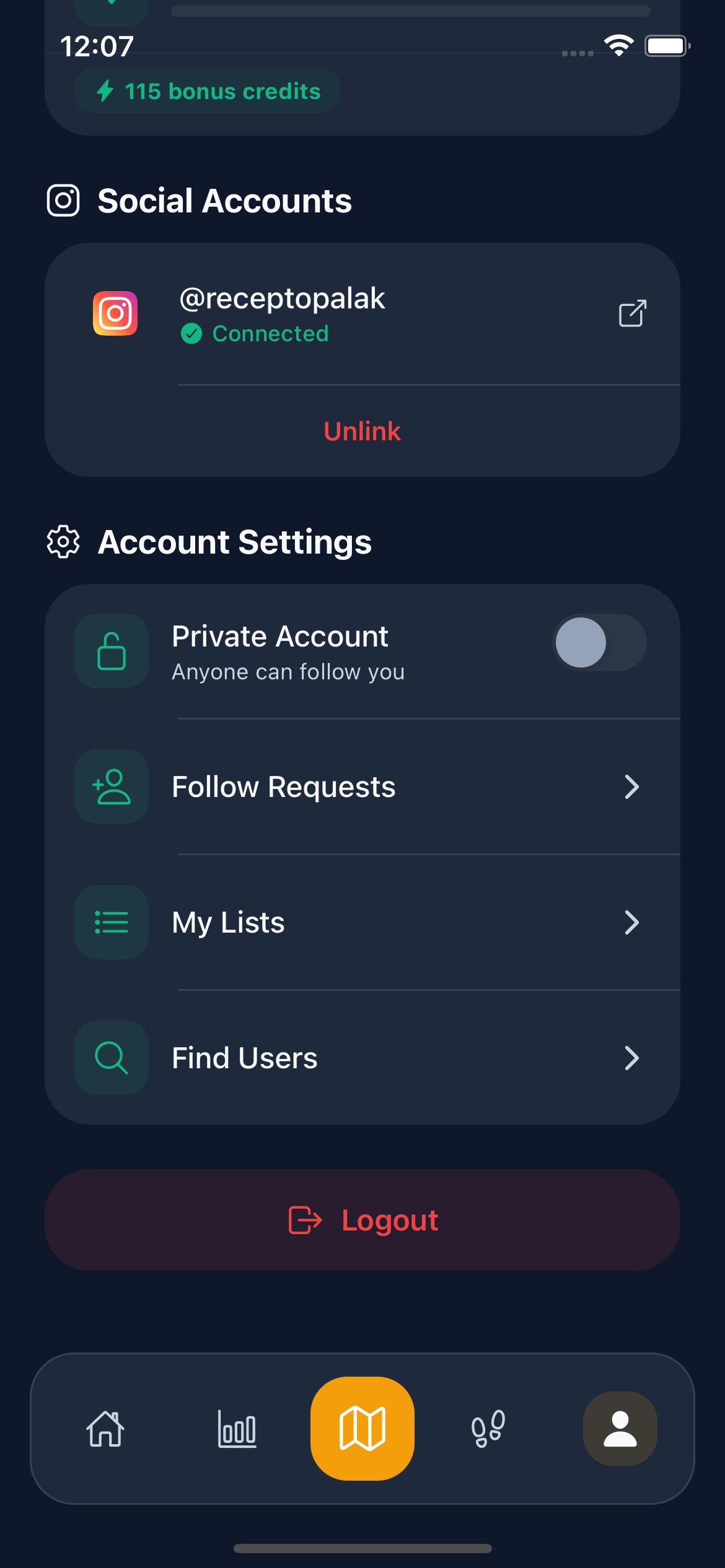
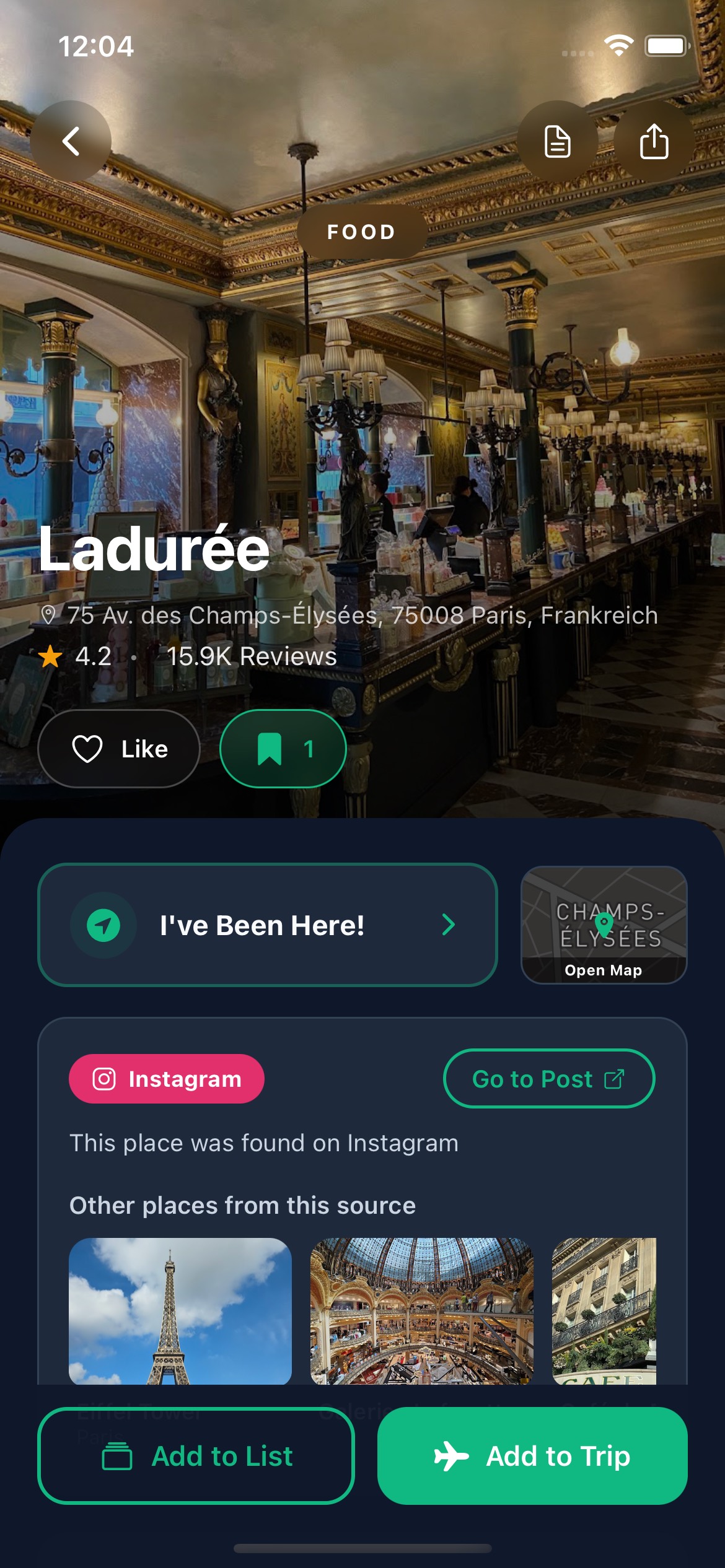
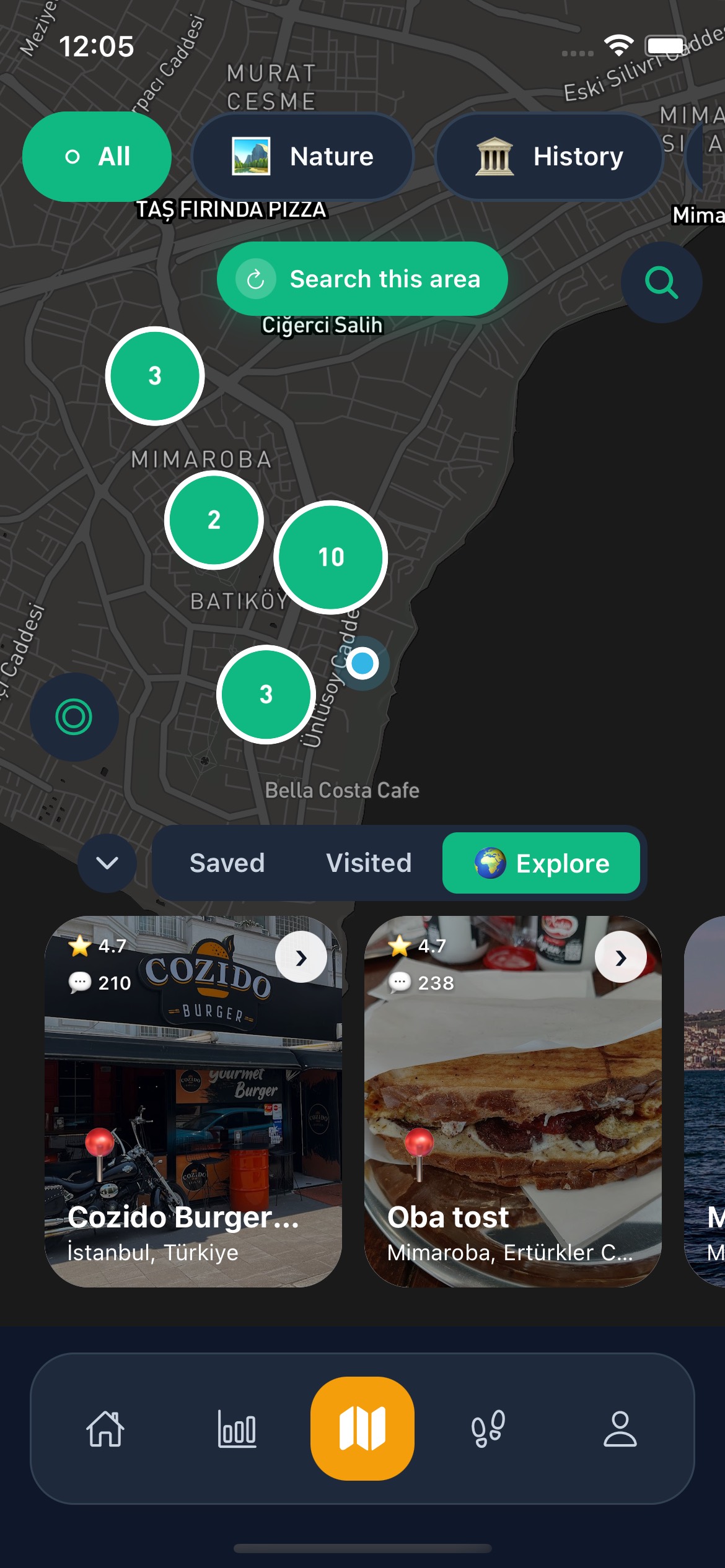
Save Places from Instagram
DM us a Reel, Story or post — the place saves itself to your map. TikTok, YouTube and Google Maps links work too. Free to start.
Collect places
Capture places from Instagram, TikTok, YouTube, and Google Maps.
Generate with AI
Turn saved places into AI trip plans or AI-generated thematic lists.
Share and coordinate
Share trips, lists, and places with friends so planning stays collaborative.
Frequently asked questions about AI trip planning and place capture
DM us a Reel, Story or post — the place saves itself to your map. TikTok, YouTube and Google Maps links work too. Free to start.
Where do Instagram places go after saving them?
Saved places can be reused in list building, map discovery, and trip-planning flows.
Is Instagram capture a separate product?
No. It is one input workflow inside the larger Go There travel-planning system.
Is Go There available on iOS and Android?
Yes. Official store references show the product on both the App Store and Google Play.
Which languages are supported?
Turkish, English, German, French, Spanish, and Arabic are supported.
Your trip plan is ready — just start
Grab inspiration from social, let AI shape the plan, and hit the road.
Related capabilities
Share a TikTok link and the places mentioned in the audio and caption are extracted, verified against Google Maps, and added to your saved places.
Instead of pausing a travel video to write down every spot, share the YouTube link: the places mentioned are extracted, verified and waiting in your lists.
A cleaner planning flow that turns saved places and preferences into shareable AI-assisted trip plans.