
Save Google Maps locations and turn them into plans
Send a place from the Google Maps share menu and it is saved with its coordinates, category and photo, ready to drop into a trip plan.
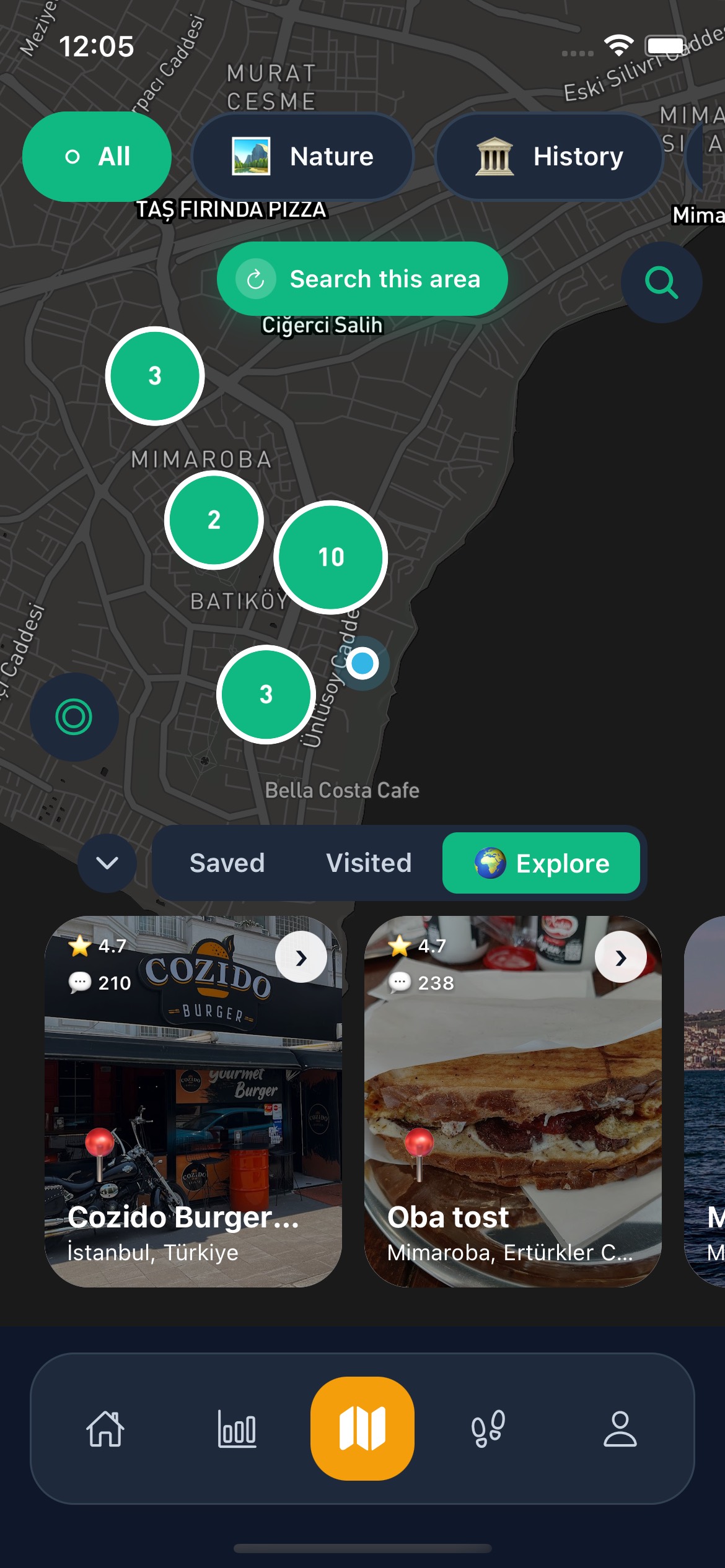
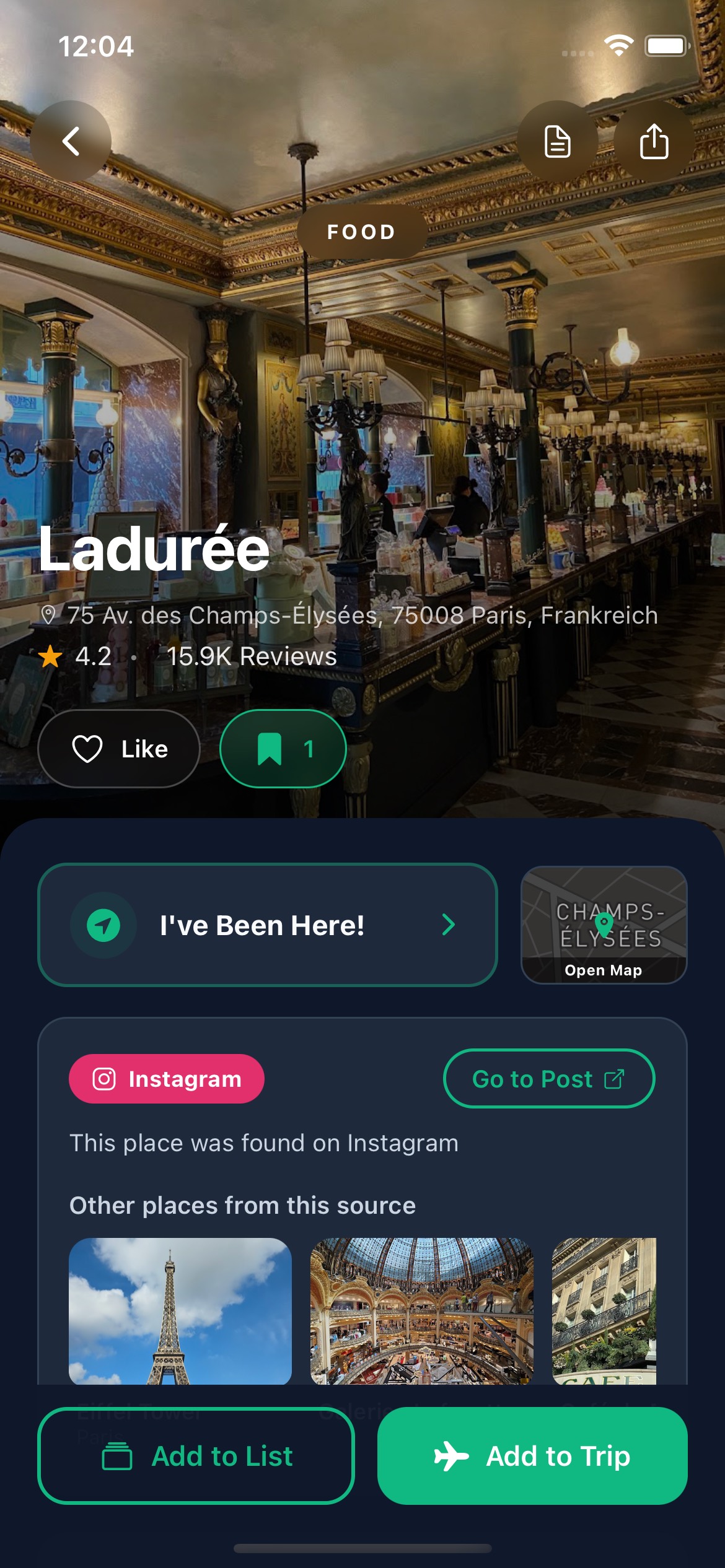
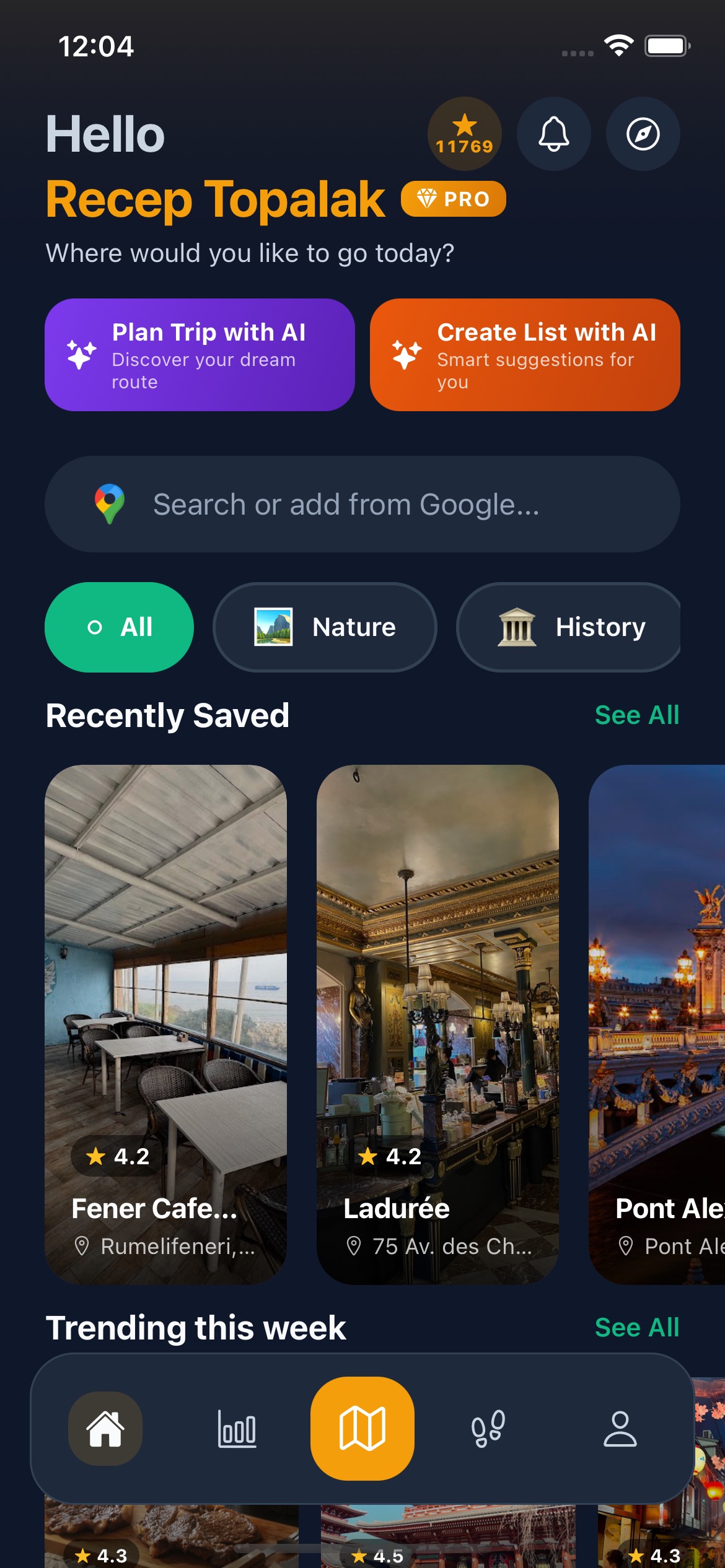
Save Locations from Google Maps
Save Google Maps locations in Go There, centralize place research, and turn saved spots into AI trip plans and place lists.
Collect places
Capture places from Instagram, TikTok, YouTube, and Google Maps.
Generate with AI
Turn saved places into AI trip plans or AI-generated thematic lists.
Share and coordinate
Share trips, lists, and places with friends so planning stays collaborative.
Frequently asked questions about AI trip planning and place capture
Save Google Maps locations in Go There, centralize place research, and turn saved spots into AI trip plans and place lists.
Why is Google Maps saving a separate capability page?
Because many users begin place research directly in maps, and that query stands on its own in search.
Can Google Maps places work with social-source places?
Yes. Map-sourced places can sit alongside Instagram, TikTok, and YouTube discoveries in the same planning workflow.
Is Go There available on iOS and Android?
Yes. Official store references show the product on both the App Store and Google Play.
Which languages are supported?
Turkish, English, German, French, Spanish, and Arabic are supported.
Your trip plan is ready — just start
Grab inspiration from social, let AI shape the plan, and hit the road.
Related capabilities
A cleaner planning flow that turns saved places and preferences into shareable AI-assisted trip plans.
A smarter list-building flow for turning saved places and ideas into organized collections you can actually use.
Invite friends to a trip: everyone adds places, the day-by-day plan is edited together, and expenses and notes stay in one place.